
RACING WHEELS
Thread the steering wheel onto the steering collar firmly. If it’s too loose the signal may disconnect, so check the collar if you’re having intermittent connectivity.
Turn the wheel “ON”
For “ULTRA” wheels [starting late 2025] (leather grip): there’s a small white button on the back of the wheel motor for POWER - press that! See pic for reference.
Total wheel rotation and overall FFB strength is adjusted in the app.
Non-ULTRA wheels (suede grip - pre 2026!); suedeuse the small white remote and press the ON buttons to turn on the Force Feedback function. The wheel will auto-rotate back and forth for calibration before returning to center. At this stage the wheel is ready to use and you can launch your game.
Rotation is switched between 900° and 270° using a red switch on the back of the wheel motor, leave it at 270! Overall FFB strength can be adjusted in the app.
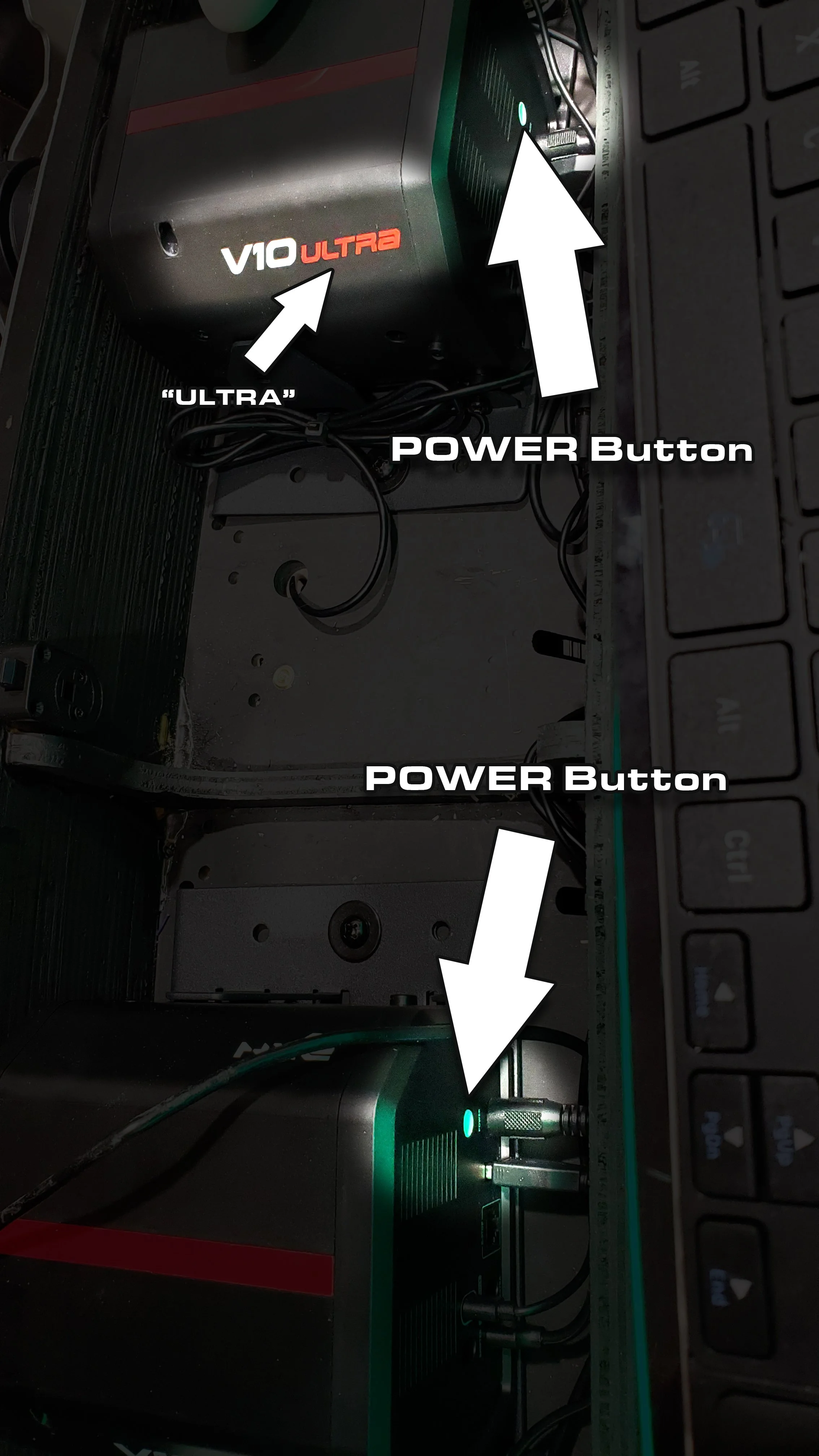
ULTRA wheel power buttons
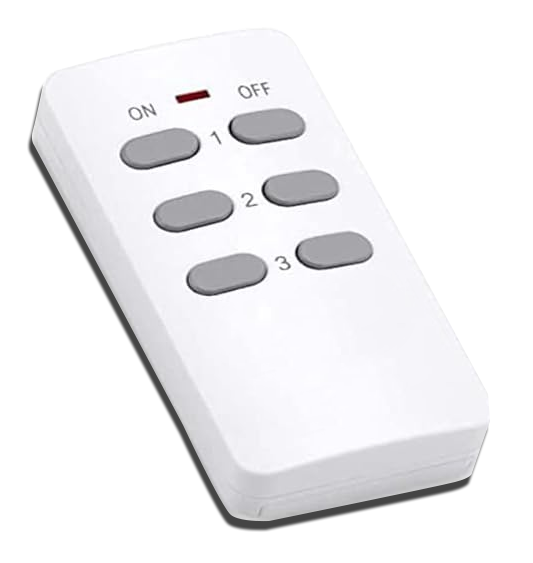
Force Feedback Remote; non-Ultra wheels

Non-Ultra Auto-Rotate Calibration

Fasten the shifter plates under the control panel for mounting the racing shifters. Certain games require the shifter (90s Sega Racers such as Daytona 1 & 2, Sega Rally 1 & 2 etc) and may not load without the shifter connected. In all other games it’s optional.
